
Yandex Browser with Protect
Jun 17, 2013
267.46 MB
Varies with device
Varies with device
100,000,000+

Description
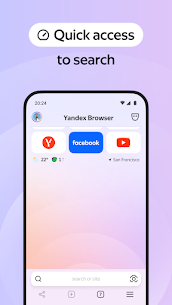
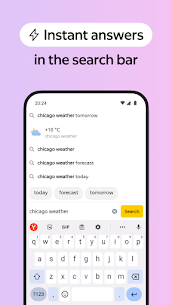
Yandex Browser — stylish and secure, with voice search and data compression.
Get rid of annoying ads on websites by integrating third-party blocking apps with ad blocking.
Protect your personal data when using public Wi-Fi networks and stay away from harmful or fraudulent pages with the browser’s active security system Protect.
Hide unrelated interface elements — ads, site menus, buttons, or widgets — and leave only the relevant text and accompanying images on the screen with Reader Mode.
Surf the web in private using Incognito Mode — Yandex Browser will not keep track of your passwords, search queries, or browsing history in this mode.
Customize your Yandex Browser with a wide array of backgrounds in the wallpaper library to suit any style or mood.
Access your favorite websites and bookmarks on any of your devices — just allow syncing of your data via your Yandex account.
If you have any questions or suggestions, you can contact us straight from the app, or via https://browser.yandex.com/feedback.
What's new
Yandex Browser's AI keeps the original voice and tone when translating videos from English to Russian. So you don't just get the words — you feel the vibe.
Images


Download links
How to install Yandex Browser with Protect?
1. Download the ZIP file.
2. Install the Split APKs Installer application
3. Open the application and click on "Install APKs".
4. Find the folder where the downloaded ZIP is located and select it.
5. Follow the steps that appear on the screen.


